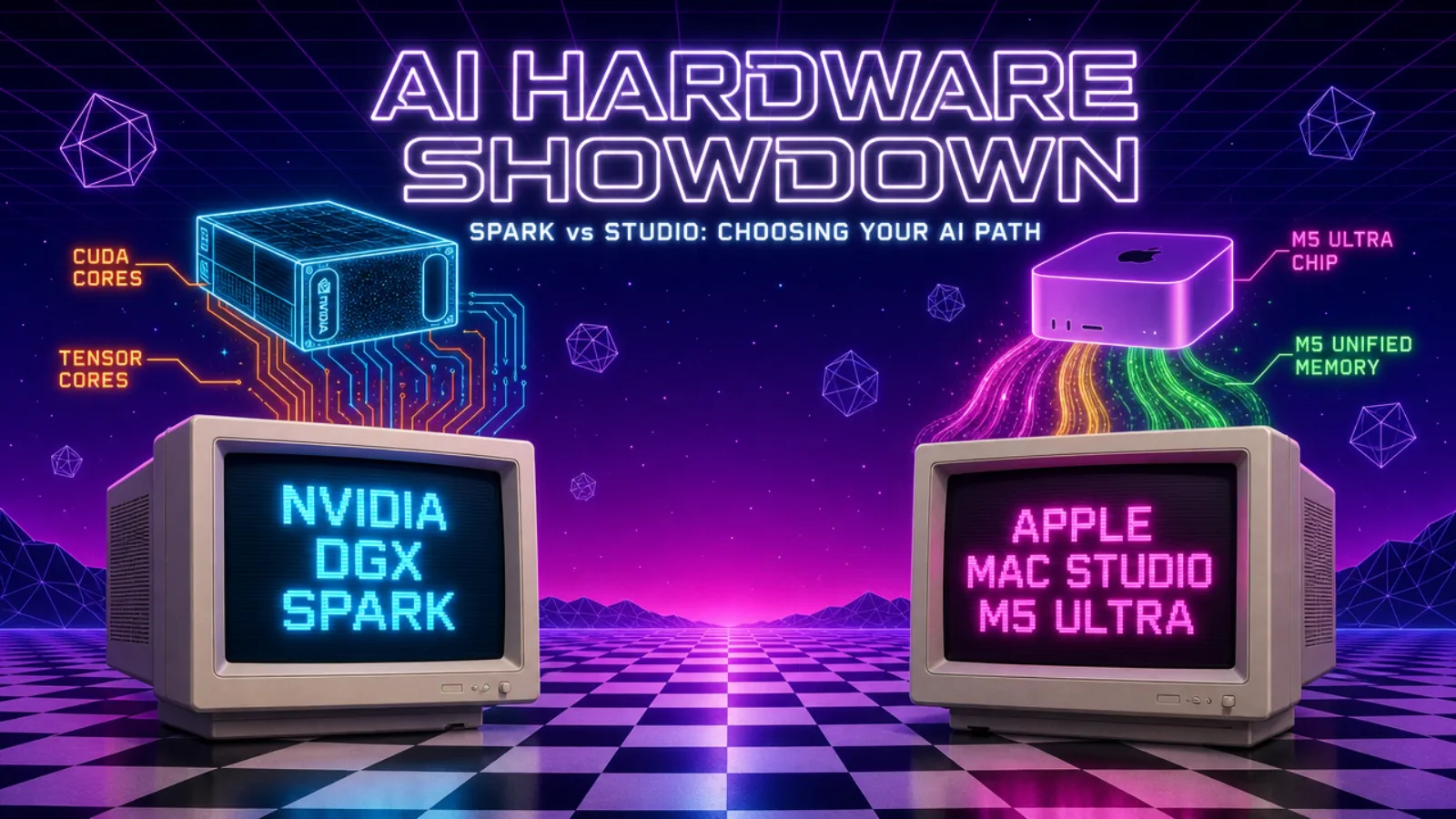
Two machines just became real purchase options for anyone who wants to run AI models on their own hardware instead of renting time on someone else's cloud servers: NVIDIA's DGX Spark and Apple's new Mac Studio with the M5 Ultra chip. Both get marketed with big numbers. Neither marketing page tells you which one actually fits what you're trying to do. This article works through the real differences in plain terms, without skipping the technical details that actually decide which machine is right for you.
•The Machines, Side by Side
NVIDIA DGX Spark: $4,699. 128GB of memory, shared between the CPU and GPU. Memory bandwidth of about 273GB/s. It has been shipping and available to buy since late 2025.
Mac Studio (M5 Ultra, 36-core CPU / 80-core GPU, 256GB): $10,799. 256GB of memory. Memory bandwidth of about 1.2TB/s (roughly 1,200GB/s). Ships September 22, 2026. A 512GB version of the same chip exists but won't be available until late October.
Put simply: the Mac has twice the memory, more than four times the memory bandwidth, and costs more than twice as much. But "more numbers" doesn't mean "better for you". These two machines are built for different jobs, and the numbers only make sense once you understand what each one is actually for.
•Two Different Kinds of Machines
The Mac Studio is a complete workstation. You sit at it. Your files, your applications, and the AI model all live on the same box, and you interact with it directly like any computer on your desk.
The DGX Spark is not meant to be sat at. It's designed to live somewhere else: a shelf, a closet, or a server rack. You reach it over your network. A common setup is to keep using your regular laptop for everyday work, and connect to the Spark remotely (tools like Tailscale make this simple, creating a private network connection to it from anywhere) to send it AI requests the way you'd call an API. Your daily computer doesn't change at all; the Spark just becomes a private AI server you access when you need it.
This distinction matters more than the spec sheet does. If you want one machine that does everything, including running AI models, the Mac is the obvious fit. If you already have a laptop you're happy with and just want a dedicated AI engine sitting quietly in the background, the Spark is the better shape for that job.
•Why Memory Bandwidth Is the Bottleneck That Actually Matters
To understand why the bandwidth gap (273GB/s vs. 1.2TB/s) matters so much, it helps to know what an AI model is actually doing on this hardware. An AI language model is essentially a very large set of numbers (its "parameters") stored in memory. To generate a response, the machine has to repeatedly read those numbers out of memory and run calculations with them. Memory bandwidth is simply how fast the hardware can move that data from memory to the processor doing the math, much like a fast chef with a narrow doorway to the pantry still can't cook any faster than ingredients can be carried through it.
Running an AI model on your own machine happens in two distinct phases, and they behave very differently:
Prefill is when the machine reads and processes your entire prompt before it starts responding. This step can be split across many parallel calculations at once, so it's mostly limited by raw processing power rather than memory bandwidth. Both machines handle this reasonably well.
Decode is when the machine generates the actual response, one token at a time. Each new token has to be produced by reading through the model's parameters again, in sequence. This step cannot be parallelized the same way, which means it's almost entirely limited by memory bandwidth.
This is exactly why the DGX Spark's low bandwidth shows up as sluggish response generation: it can prepare for an answer quickly, but producing that answer word by word is bottlenecked by how much data it can move per second. The Mac Studio's 1.2TB/s bandwidth means it can sustain much faster token-by-token generation, which is the part of using an AI model you actually sit and wait for.
•Both Machines Still Crush a Normal PC on Raw Computing Power
None of this should be read as "bandwidth is everything". Raw compute very much matters, just not for that one specific step. A typical PC without a dedicated AI-capable GPU does this math on a handful of general-purpose CPU cores. The DGX Spark's Blackwell chip, by contrast, is rated for up to 1 PFLOP (1,000 trillion calculations per second) of AI compute, backed by a 20-core processor and dedicated tensor cores. The Mac Studio's M5 Ultra pairs a 36-core CPU with an 80-core GPU and a 32-core Neural Engine, and Apple states it delivers up to 4.5 times the AI compute of the previous M3 Ultra generation. Both are on a completely different scale from a normal desktop or laptop.
That raw compute is why both machines handle tasks a normal PC simply can't: processing long prompts, image or video generation, several simultaneous AI requests, or fine-tuning a model on your own data. The nuance is specifically about one narrow, sequential step: generating a chat response token by token from a model already in memory. That step is gated by how fast data moves from memory, not by how many cores sit idle waiting for it. That's the one case where a chip with less raw compute but far more bandwidth (the Mac Studio here) can feel faster than a chip with more compute but less bandwidth.
•The Software Problem Nobody Mentions: CUDA vs. MLX
Raw hardware specs are only half the story. CUDA is NVIDIA's software platform for running heavy computations on its GPUs, and it has been the default foundation for machine learning for over a decade. The overwhelming majority of AI tools, libraries, and frameworks (PyTorch chief among them) were built and optimized for CUDA first. If you're using an NVIDIA machine like the DGX Spark, you're plugging into an enormous, mature ecosystem that just works with almost anything you download.
Apple Silicon doesn't run CUDA at all. Apple's own framework, MLX, is genuinely good and handles a large share of everyday AI tasks (particularly running existing models) perfectly well. But it's a smaller, newer ecosystem: plenty of cutting-edge research code and tools are released for CUDA first, or only for CUDA, and never get an MLX version at all. If you want to experiment with the newest research code, fine-tune models yourself, or use tools that assume an NVIDIA GPU (which is most of them), the DGX Spark's CUDA compatibility is a real, practical advantage the spec sheet alone doesn't show.
•How a Machine This Small Can Run a "Huge" Model
Both of these machines are, by AI infrastructure standards, tiny. Yet both are marketed as able to run models with hundreds of billions of parameters. The enabling technology is an architectural choice called Mixture of Experts (MoE). A traditional ("dense") model activates every single parameter for every word it processes. An MoE model is instead built from many smaller sub-networks ("experts"), and a routing mechanism decides, word by word, which small subset actually needs to run. A model might have 200 billion parameters in total but only activate around 20 billion for any given word. Real-world examples include Mixtral and DeepSeek's models.
This is exactly why a single consumer-scale machine can handle a "200-billion-parameter" model at usable speed: you get the knowledge that comes from a large total model, but the compute cost per word stays close to what a much smaller model would need. Without MoE, neither the Spark nor the Mac Studio would stand a chance of running models this large.
•A Common Misunderstanding: Buying Two DGX Sparks Doesn't Make It Faster
If you buy two DGX Spark units and connect them together (NVIDIA sells them with networking hardware specifically for this), you might assume you're doubling your speed. That's not what happens. Linking two Sparks lets you pool their memory, 256GB in total, which means you can fit and run bigger models (up to roughly 405 billion parameters instead of around 200 billion). That part is a genuine benefit.
What it does not do is make each response come back faster. The connection between the two units is roughly ten times slower than the memory inside a single one. Since generating each word already depends on reading through the model's data as fast as possible, spreading that data across a slower link adds waiting time to every step. A model spread across two linked Sparks will typically produce each word more slowly than a model that fits on one Spark by itself. Connecting two Sparks buys you room for a bigger model, or more simultaneous requests, not a faster single response.
•The Real Alternative: Renting a Cloud GPU
It's worth being honest about what these machines actually compete with: cloud GPU rental. Instead of buying either machine, you can rent GPU time by the hour. The problem is that this bill scales with usage: the longer and more often you run jobs, the more it costs, and for anyone running AI workloads regularly it adds up fast and never stops. A machine in your own building is that same GPU capability without a running meter attached. You pay once, up front, and then it's yours.
•Who Should Actually Buy Which
Buy the Mac Studio M5 Ultra if you want one computer that is your daily workstation and also runs AI models directly, at the fastest response speed available in this category, and you're willing to pay more for the full package.
Buy the DGX Spark if you already have a machine you use daily, you want a dedicated AI engine you can reach over your network like a private API, you care about compatibility with the widest range of AI software and research tools, and you want to spend less up front.
•Why This Matters for a Business
For a company evaluating either option, the decision usually comes down to two things: data control and predictable cost. Running a model on hardware you own means client data, internal documents, or proprietary information never has to leave your network to reach an outside AI provider. That is a meaningful advantage for legal, healthcare, financial, or any business handling sensitive data under compliance requirements. It also converts an open-ended, usage-based cloud bill into a fixed, one-time hardware cost, which is far easier to budget for a team running AI workloads continuously.
“A small business or solo developer testing AI features on a budget will likely get more mileage out of the DGX Spark. A team that wants a single, fast, all-in-one machine for both regular work and heavier AI tasks is better served by the Mac Studio. Neither machine is a universal answer. But for the first time, both are things you can actually put in a shopping cart rather than numbers on a slide.
KEKerem Ege PaktenFounder & CEO, KMCP Solutions